
Start the hotspot
Charge the device, power it on, and wait for the display or indicators to show network availability.
Support resources for 5G hotspot setup, Wi-Fi 6 sharing, battery use, portable connectivity, and everyday troubleshooting for teams and travel.
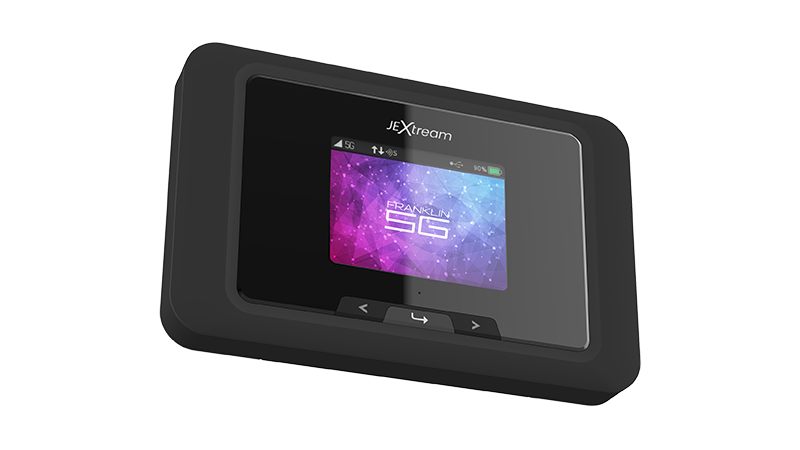
Use these quick steps for common setup, connection, reset, and management tasks.
Charge the device, power it on, and wait for the display or indicators to show network availability.
Connect laptops, tablets, or phones using the Wi-Fi network name and password assigned to the device.
Lower screen activity when possible, disconnect unused devices, and recharge before field work or travel.
If service drops, restart the hotspot, check signal strength, and move to an area with stronger reception.
Keep product documentation and firmware workflows easy to find for customers, sales teams, and support teams.
Download or request the current user manual for setup, device settings, LEDs, charging, Wi-Fi, and admin portal guidance.
Download User ManualRequest the latest firmware information before updating. Firmware should only be installed from a trusted Franklin/JEXtream source.
Firmware UpdateAnswers to common support questions for the RG2100N 5G Mobile Hotspot.
RG2100N product messaging supports up to 20 connected devices.
Yes. The product page positions RG2100N as a 5G mobile hotspot with Wi-Fi 6 capacity.
The product page highlights battery and power-bank functionality.
Charge fully, confirm service plan status, and save the Wi-Fi name and password before leaving.
For warranty, replacement, or service questions, contact sales/support with the product model, purchase channel, and issue summary.
Send a request to the Franklin Access sales/support team and include the product model in your message.